



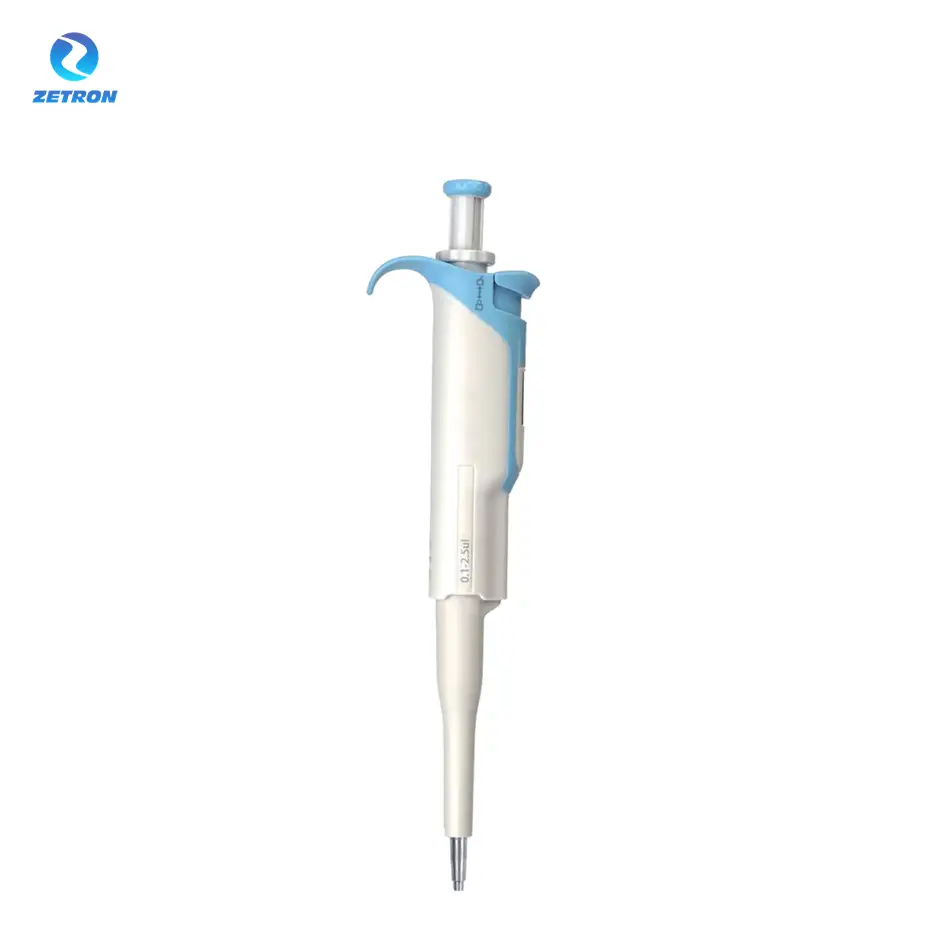
Adjustable Volume Manual Pipette with Color Coding and Metal Tip – HiPette
Manual Pipette for Laboratory, Clinical and Research Liquid Handling – HiPette
·Shakethe sample and Marker beforeloading.
·When loading,press the tip against the short glass plate,slightly tilt the HiPette electrophoresis-specific pipette to contact the liquid surface,and then add the sample slowly and evenly into the well comb to reduce bubble formation.
·Use extended pipette tips andreplace the tipfor each well to avoid sample and Marker contamination.
·Ensure that the sample volume and loading volume are consistent.
·Avoid using the outermost wellsto prevent bendingof bands due to uneven electric fields.Fill the wells with loading buffer if needed.
·Ensure the pipette tip is securely attached.The HiPette electrophoresis-specific pipette has two settings: first,press to the first setting,then immerse the tip into the sample and release the plunger.Forsample loading,press down slowly,then switch to the second setting to ensure theentire sample is dispensed.
·Add buffer first,then add the sample to avoid sample being pushed to the sides.
·When loading,press the tip against the short glass plate,slightly tilt the HiPette electrophoresis-specific pipette to contact the liquid surface,and then add the sample slowly and evenly into the well comb to reduce bubble formation.
·Use extended pipette tips andreplace the tipfor each well to avoid sample and Marker contamination.
·Ensure that the sample volume and loading volume are consistent.
·Avoid using the outermost wellsto prevent bendingof bands due to uneven electric fields.Fill the wells with loading buffer if needed.
·Ensure the pipette tip is securely attached.The HiPette electrophoresis-specific pipette has two settings: first,press to the first setting,then immerse the tip into the sample and release the plunger.Forsample loading,press down slowly,then switch to the second setting to ensure theentire sample is dispensed.
·Add buffer first,then add the sample to avoid sample being pushed to the sides.
5.0
design customization
Please fill out the form below to request a quote or to request more information about us. Please be sure to upload customized requirement documents or pictures, and we will get back to you as soon as possible with a response. we're ready to start working on your new project, contact us now to get started.
Please fill out the form below to request a quote or to request more information about us. please be as detailed as possible in your message, and we will get back to you as soon as possible with a response. we're ready to start working on your new project, contact us now to get started.
{{item.score}} Stars
{{item.pre}}%
{{item.nickname ? (item.nickname.slice(0, 2) + '*****') : item.source === 1 ? 'mall buyer' : '--'}}
{{item.comment_time}}
Review in the {{item.country}}
{{itemAttr.params_key}}: {{itemAttr.params_value}}
Contact us
Get in touch with us
Just leave your email or phone number in the contact form so we can send you a free quote for our wide range of designs!
+86 15699785629
Operating hours
Monday - Saturday(GMT+8): 8am - 8pm
Zetron delivers innovative solutions that boost efficiency and drive growth for your business success.
Shortcut links
Products
Contact with us
Contact person: Lisa Niu
WhatsApp:+86 15699785629
Add:
Office 19B, 17th Floor, Building 1, 48 Dongzhimenwai Avenue, Dongcheng District, Beijing